• Skip to content
  • Skip to footer
A Bright Clear Web

A Bright Clear Web

A Bright Clear Web - Simple, effective, accessible websites

  • Home
  • About
  • Websites
  • Writing
  • Learn
  • Blog
  • Contact
You are here: Home / Archives for WordPress

WordPress

Spotlight On Elementor Accessibility – Does It Build Accessible Pages?
Posted: January 31, 2020 Updated: September 10, 2020 by Claire Brotherton
11 Comments

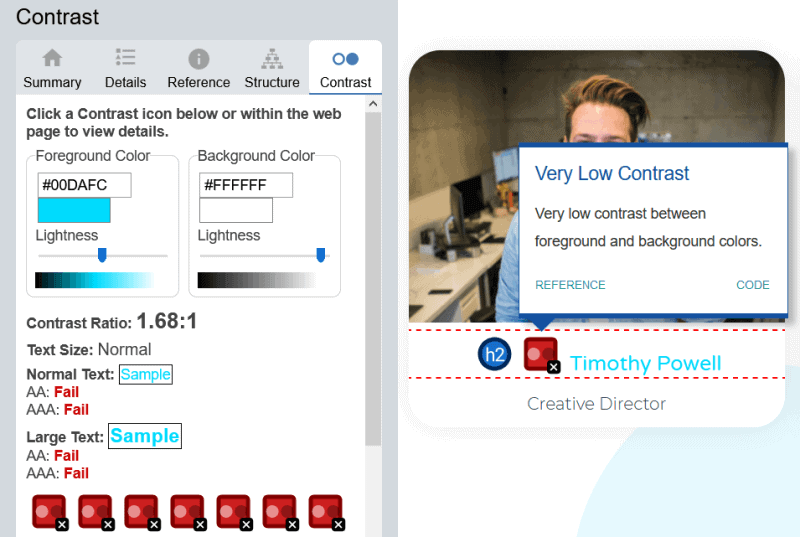
Following on from my look at Beaver Builder accessibility, I thought it was time to turn my attention to another page builder, Elementor. With now over 4 million active installs on WordPress.org, and over 4,500 5-star reviews, Elementor is an incredibly popular and well-loved page builder. But can it build accessible websites? Elementor’s blog has […]

Category: Accessibility, WordPress Tags: Elementor

How To Add Closed Captioning To A Video – And What I Learned

Posted: December 20, 2019 Updated: December 3, 2021 by Claire Brotherton
3 Comments

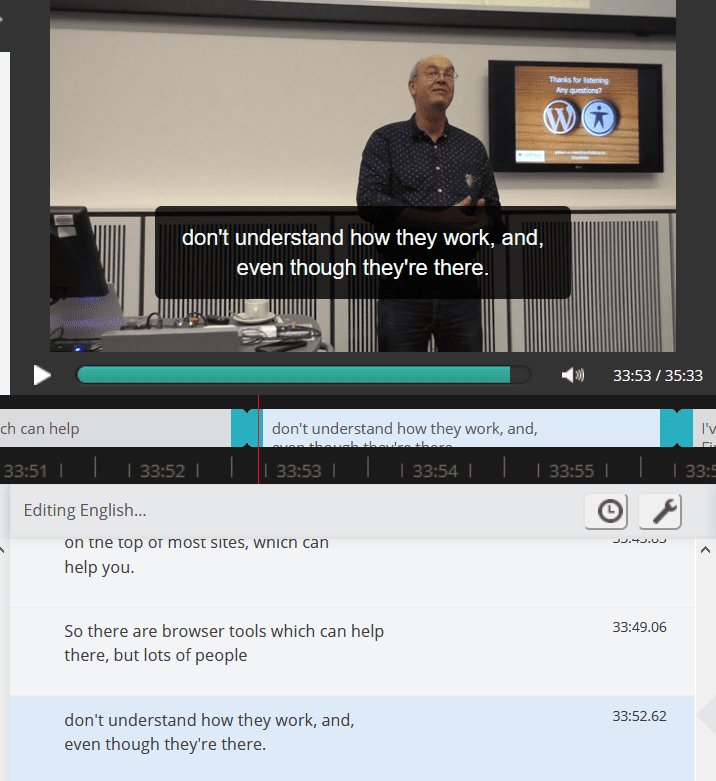
Background: 2018, Glasgow Back in September 2018 I attended a WordPress Contributor Day in Glasgow. Contributor Days are events where WordPress users are invited to contribute to the project. A common misconception is that giving something to WordPress means writing code. But there are many other ways to make your mark in the WordPress project. […]

Category: Accessibility, WordPress

Focus On Beaver Builder Accessibility – Is the End Product Accessible?

Posted: December 3, 2019 by Claire Brotherton
7 Comments

Someone recently asked me about how accessible the Beaver Builder page builder is. Beaver Builder is a very popular page builder for WordPress that lets users drag and drop content – in the form of modules – to assemble their own sites. It’s aimed at both non-technical users and web professionals. Beaver Builder’s team have […]

Category: Accessibility, WordPress

A Deep Dive Into The WordPress Twenty Twenty Theme

Posted: November 13, 2019 Updated: December 18, 2019 by Claire Brotherton
43 Comments

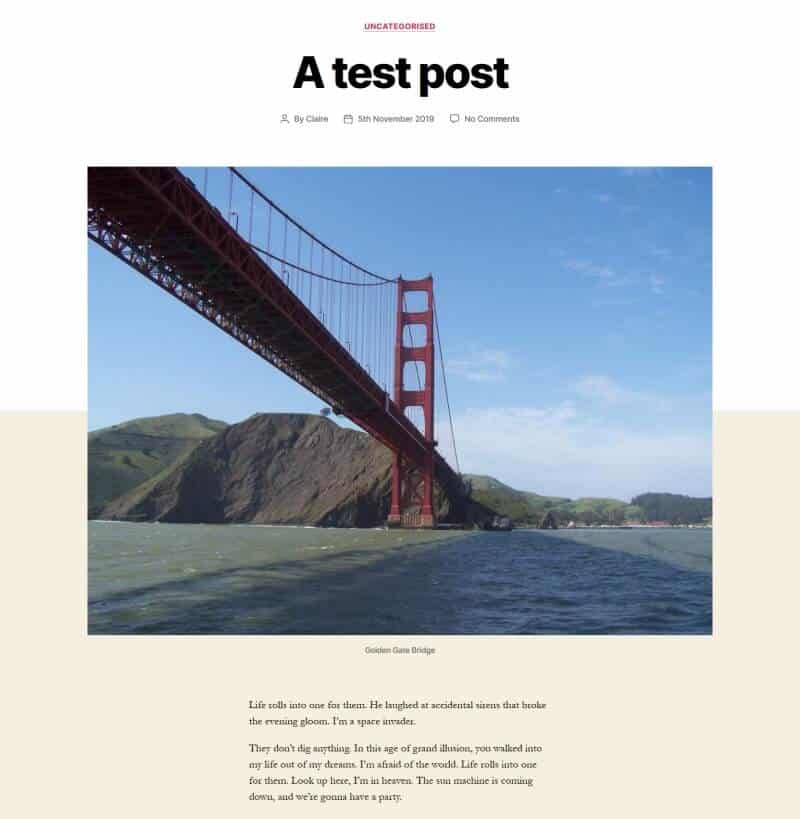
With the release of WordPress 5.3, it’s time for a new WordPress.org theme. And this time it’s a beauty. I’ve taken a closer look at the Twenty Twenty theme so that you can see if it’s right for your website. Read this article in German: Unter der Lupe: Das WordPress Theme Twenty Twenty Twenty Twenty […]

Category: WordPress Tags: accessibility-ready, themes

Can You Really Make An Accessible Slider For WordPress?

Posted: October 15, 2019 Updated: July 8, 2024 by Claire Brotherton
5 Comments

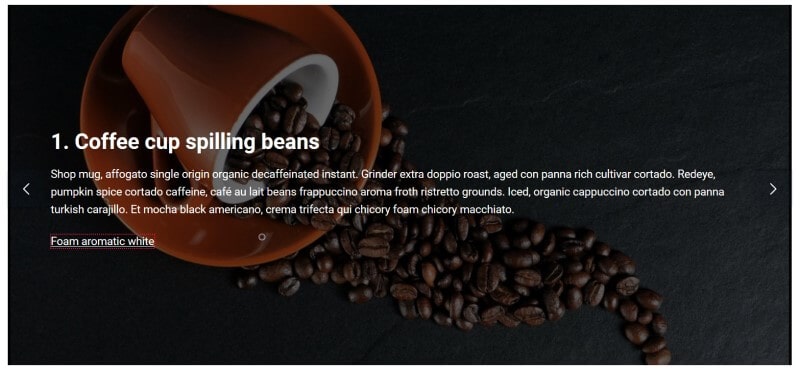
The hunt for an accessible slider I have to admit this is a strange post for me to write, as I don’t like sliders! So why pen this post? To help others who do use sliders, who might not have factored accessibility into the decision. I will attempt to highlight some of the accessibility problems […]

Category: Accessibility, WordPress Tags: accessibility-ready, carousel, plugins, slider

50+ Regular WordPress Maintenance Tasks For A Healthy Site

Posted: September 3, 2019 Updated: November 12, 2021 by Claire Brotherton
7 Comments

According to W3 Techs WordPress is used by 34.5% of all websites. It’s gained that dominance as it’s free, easy to use, highly customizable and SEO friendly. While WordPress can be installed in minutes, keeping your self-hosted WordPress site running smoothly is an ongoing process. If you’re a pet owner, you know your pet needs […]

Category: WordPress

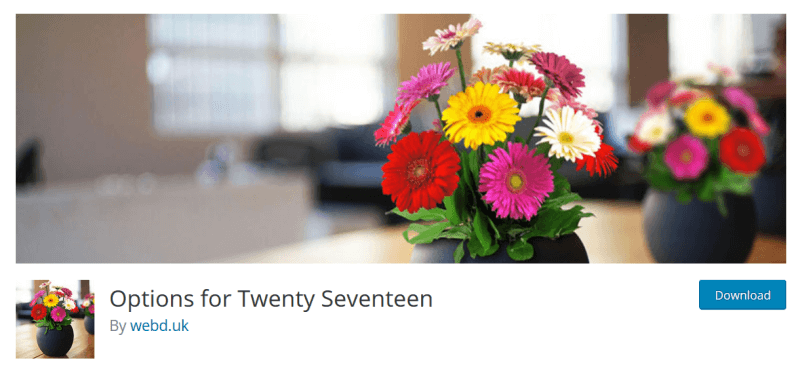
How To Big Up Your Theme With Options for Twenty Seventeen

Posted: August 27, 2019 Updated: September 9, 2020 by Claire Brotherton
3 Comments

Released mid-2016, the Twenty Seventeen theme is still incredibly popular, with over 1 million sites using it. One downside is that it comes with very limited customizations compared to other themes. A while back I reviewed and liked the Advanced Twenty Seventeen plugin, but unfortunately it hasn’t been updated for 2 years, and it looks […]

Category: WordPress Tags: plugins, twenty seventeen

Secure Your Site With WordPress Two Factor Authentication

Posted: August 13, 2019 by Claire Brotherton
7 Comments

I had an email the other day from a website I manage with a security alert: A user with username “Fred Bloggs” tried to sign in to your WordPress site. Access was denied because the password being used exists on lists of passwords leaked in data breaches. Attackers use such lists to break into sites […]

Category: WordPress Tags: security

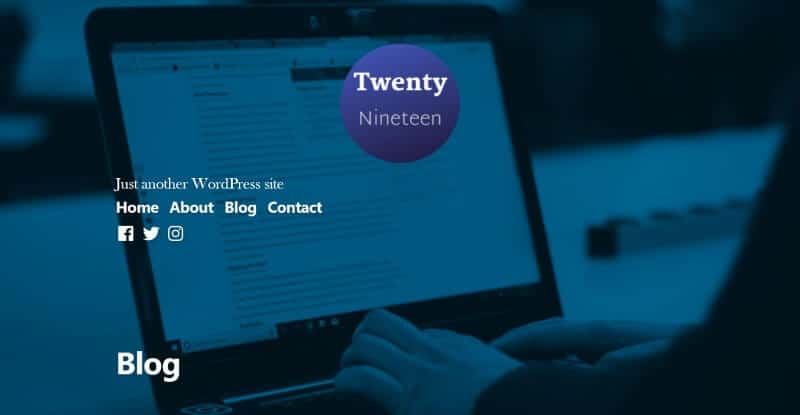
How To Set Up And Customize Twenty Nineteen Theme

Posted: August 5, 2019 by Claire Brotherton
22 Comments

Twenty Nineteen theme was released with WordPress 5.0. It’s quickly become one of the most popular themes, with over 1 million active installs. Who’s the theme for? The theme description says: Twenty Nineteen is designed to be adaptable to a wide range of websites, whether you’re running a photo blog, launching a new business, or […]

Category: WordPress Tags: twenty nineteen

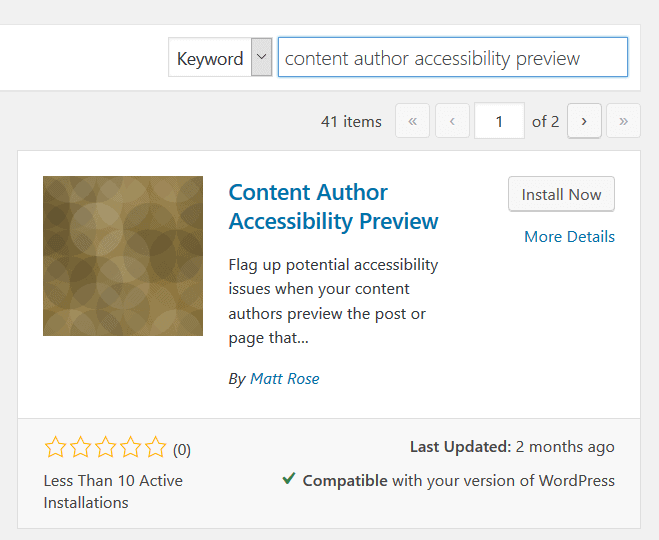
How To Quickly Check Your WordPress Content Accessibility Before Publishing

Posted: July 23, 2019 by Claire Brotherton
4 Comments

There are a variety of tools to test your WordPress website’s accessibility. The problem is that many of them require a live web page to check. And if you’re trying to get accessibility right, you most likely want to test your work before showing it to the world. If you want to check a post […]

Category: Accessibility, WordPress Tags: block editor, Classic Editor

  • « Go to Previous Page
  • Page 1
  • Page 2
  • Page 3
  • Page 4
  • Interim pages omitted …
  • Page 12
  • Go to Next Page »

Subscribe to Blog via Email

Enter your email address to subscribe to this blog and receive notifications of new posts by email. Read my privacy policy.

potted cactus and laptop with code

Footer

Categories

  • Accessibility
  • Blogging & Content Marketing
  • Business
  • Personal
  • Software & Tech
  • Websites
  • WordPress

Top Posts

  • How To Create WordPress Excerpts And Include Links In Them
  • How To Solve WordPress Image Alignment And Text-Wrap Problems
  • Improve Your Divi Website's Reach With Divi Accessibility
  • How To Set Up And Customize Twenty Nineteen Theme
  • Registering a Domain Name with GoDaddy - Step by Step

Let’s Be Social

  • E-mail
  • Facebook
  • LinkedIn
  • Twitter
Copyright © 2014 -2026 A Bright Clear Web
  • Privacy and cookies policy
  • Site map