• Skip to content
  • Skip to footer
A Bright Clear Web

A Bright Clear Web

A Bright Clear Web - Simple, effective, accessible websites

  • Home
  • About
  • Websites
  • Writing
  • Learn
  • Blog
  • Contact
You are here: Home / Archives for plugin

plugin

wA11y – The Web Accessibility Toolbox WordPress Plugin
Posted: August 19, 2016 Updated: September 9, 2020 by Claire Brotherton
2 Comments

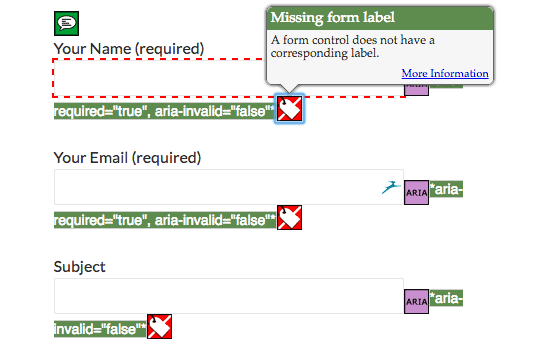
The wA11y plugin consists of tools to check and correct your WordPress site’s accessibility. (The name is derived from a11y, the shorthand way of writing accessibility, with “w” representing Web.) The plugin was developed by Rachel Cherry, a software engineer formerly at Disney Interactive and accessibility advocate. I decided to give wA11y a spin to see what […]

Category: Accessibility Tags: plugin, testing

Want a simple & powerful way to show a grid display of posts?

Posted: August 12, 2016 Updated: January 4, 2018 by Claire Brotherton
5 Comments

A grid display of posts –  that sounds cool… I’ve reviewed WordPress blog layout plugins before and found them a little clunky. They let you show a grid display of posts in WordPress. Themes sometimes have this built-in, but often they don’t. I’ve now discovered a new plugin to do the job and think it’s […]

Category: WordPress Tags: blog, custom post type, plugin

Get More Eyeballs On Your Content With Revive Old Post

Posted: April 8, 2016 Updated: January 4, 2018 by Claire Brotherton
5 Comments

If you’ve blogged for a while, you will have a great bank of content waiting to be discovered and read by new readers. Especially evergreen content – content that doesn’t go out of date. Using social media automation is a good way to manage this. I’ve used Buffer and Coschedule’s social sharing tools to good […]

Category: Blogging & Content Marketing, WordPress Tags: plugin, revive old post, Twitter

How To Change Your WordPress Theme Without Tears

Posted: March 18, 2016 Updated: May 14, 2018 by Claire Brotherton
4 Comments

Updated 14 May 2018. WordPress is designed to be flexible and customizable as a platform. Being able to switch your website’s theme and change the look of your website is one of the big attractions. So when you decide on a new theme, in theory, it’s simple: go to Appearance > Themes in the Dashboard, […]

Category: WordPress Tags: plugin, staging site, theme

Pootle page builder – a first look at a promising plugin

Posted: January 29, 2016 Updated: January 4, 2018 by Claire Brotherton
6 Comments

I came across Pootle page builder the other day and was keen to try it out. It’s made by Pootlepress, who specialise in WordPress plugins, themes and training. Pootle page builder is free to download from the WordPress repository. There are paid add-ons for it, which I haven’t tested. I tried it out using WooThemes’ […]

Category: WordPress Tags: page builder, plugin

Easily Improve Your WordPress Site Login With Unique Branding

Posted: December 23, 2015 Updated: January 4, 2018 by Claire Brotherton
1 Comment

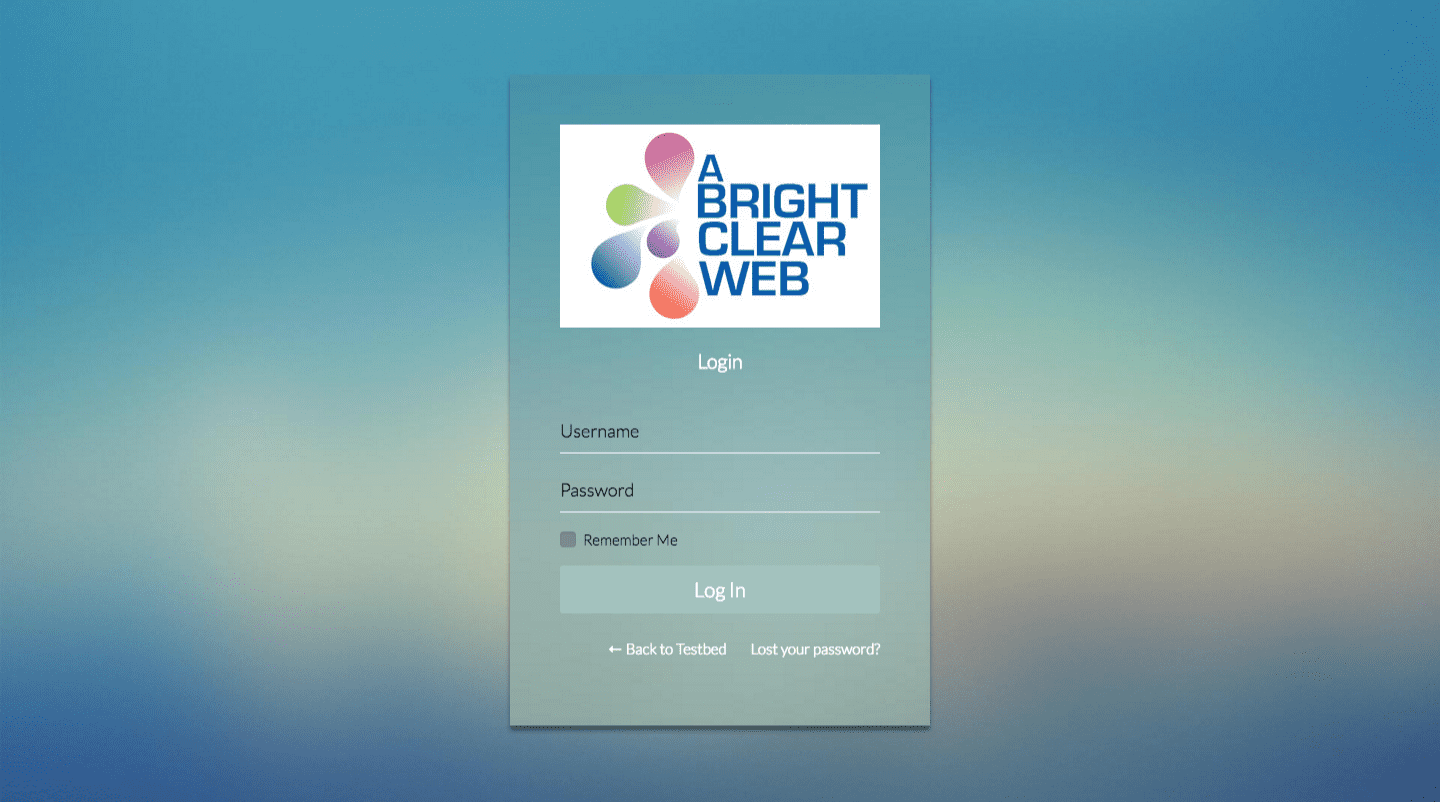
Let’s face it, the default WordPress login screen is quite boring. Nothing to get too excited about, is it? Very… grey. So it’s worth spending a little time changing it with a simple plugin. Why change your WordPress site login page? WordPress site owners can brand the login area to match their branding and colours. If you are […]

Category: WordPress Tags: login, plugin

Why Fixing Broken Links Is Important For Your Website

Posted: September 25, 2015 Updated: June 29, 2023 by Claire Brotherton
11 Comments

The web is built on hyperlinks. When all is well and good, every link on our site will lead exactly to the right place. But sometimes links go bad.

Category: Websites Tags: 301 redirect, 404, links, plugin

A WordPress Survey Plugin to Capture Important Visitor Opinions

Posted: June 5, 2015 Updated: June 12, 2019 by Claire Brotherton
1 Comment

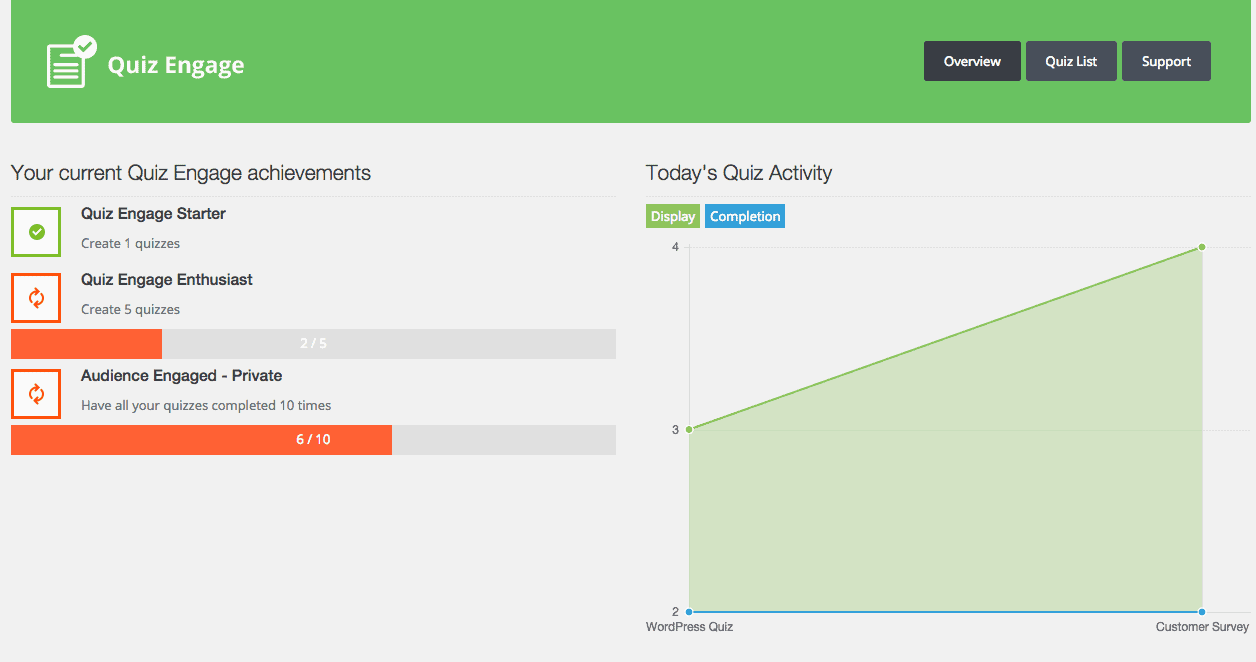
Last updated: 12 June 2019 This plugin seems to be no longer available. For other quiz plugins please see these posts: How To Create Great Viral Quizzes With Riddle How To Create a Gravity Forms Quiz With Multiple Outcomes I was asked by Sarah Arrow to review a new WordPress plugin by Andrei-Robert Rusu of […]

Category: WordPress Tags: plugin, quiz, survey

A useful new undo button for WordPress themes and plugins

Posted: May 14, 2015 Updated: January 4, 2018 by Claire Brotherton
4 Comments

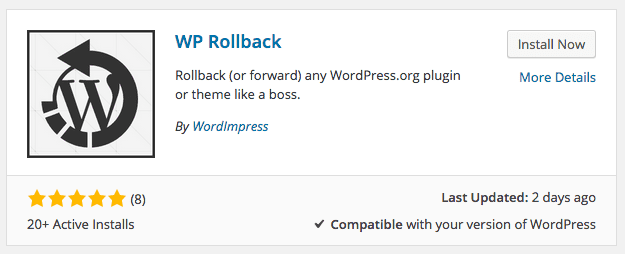
Have you ever had a plugin or theme update break your WordPress site? It doesn’t tend to happen often, but it has happened to me on occasion. Perhaps a new feature that the author has implemented is incompatible with your particular WordPress setup, or an updated plugin just doesn’t play nice with another plugin on […]

Category: WordPress Tags: Easy Updates Manager, plugin, theme, update, WP Rollback

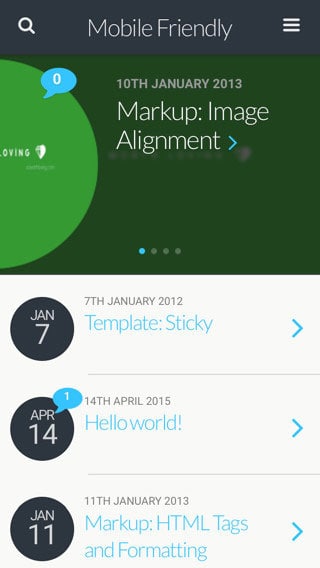
5 Helpful Plugins for a mobile-friendly WordPress site

Posted: April 15, 2015 Updated: January 4, 2018 by Claire Brotherton
5 Comments

Mobile-friendly – what’s that? Since November 2014, Google has labelled certain websites ‘mobile-friendly’ in search results. A site is deemed mobile-friendly if: The text is readable on a mobile device such as a smartphone or tablet Software such as Flash is not used No zooming or horizontal scrolling is required to view the content Links […]

Category: WordPress Tags: mobile friendly design, mobile web, plugin, responsive, SEO

  • Page 1
  • Page 2
  • Go to Next Page »

Subscribe to Blog via Email

Enter your email address to subscribe to this blog and receive notifications of new posts by email. Read my privacy policy.

potted cactus and laptop with code

Footer

Categories

  • Accessibility
  • Blogging & Content Marketing
  • Business
  • Personal
  • Software & Tech
  • Websites
  • WordPress

Top Posts

  • How To Create WordPress Excerpts And Include Links In Them
  • How To Solve WordPress Image Alignment And Text-Wrap Problems
  • Improve Your Divi Website's Reach With Divi Accessibility
  • How To Set Up And Customize Twenty Nineteen Theme
  • Registering a Domain Name with GoDaddy - Step by Step

Let’s Be Social

  • E-mail
  • Facebook
  • LinkedIn
  • Twitter
Copyright © 2014 -2026 A Bright Clear Web
  • Privacy and cookies policy
  • Site map