• Skip to content
  • Skip to footer
A Bright Clear Web

A Bright Clear Web

A Bright Clear Web - Simple, effective, accessible websites

  • Home
  • About
  • Websites
  • Writing
  • Learn
  • Blog
  • Contact
You are here: Home / Archives for WordPress

WordPress

The Importance of WordPress alt text for Accessibility and SEO

Posted: August 5, 2016 Updated: January 4, 2018 by Claire Brotherton
24 Comments

Updated 24 January 2017. What is alt text and what is it for? Alt text is short for alternative text. It’s a short textual description of the content of an image. People who are visually impaired can’t view any images on a page, so the alt text describes the images to them. The page content including […]

Category: Accessibility, WordPress Tags: alt text, caption, description

How To Create a Gravity Forms Quiz With Multiple Outcomes

Posted: July 23, 2016 Updated: January 4, 2018 by Claire Brotherton
15 Comments

For a project I’m working on I needed a WordPress quiz solution. There were some specific requirements: The quiz should have Yes/No answers. The quiz should be split into several pages, with one question per page. The quiz should keep overall score, but not offer instant feedback to users i.e. users should not be told […]

Category: WordPress Tags: Gravity Forms, quiz

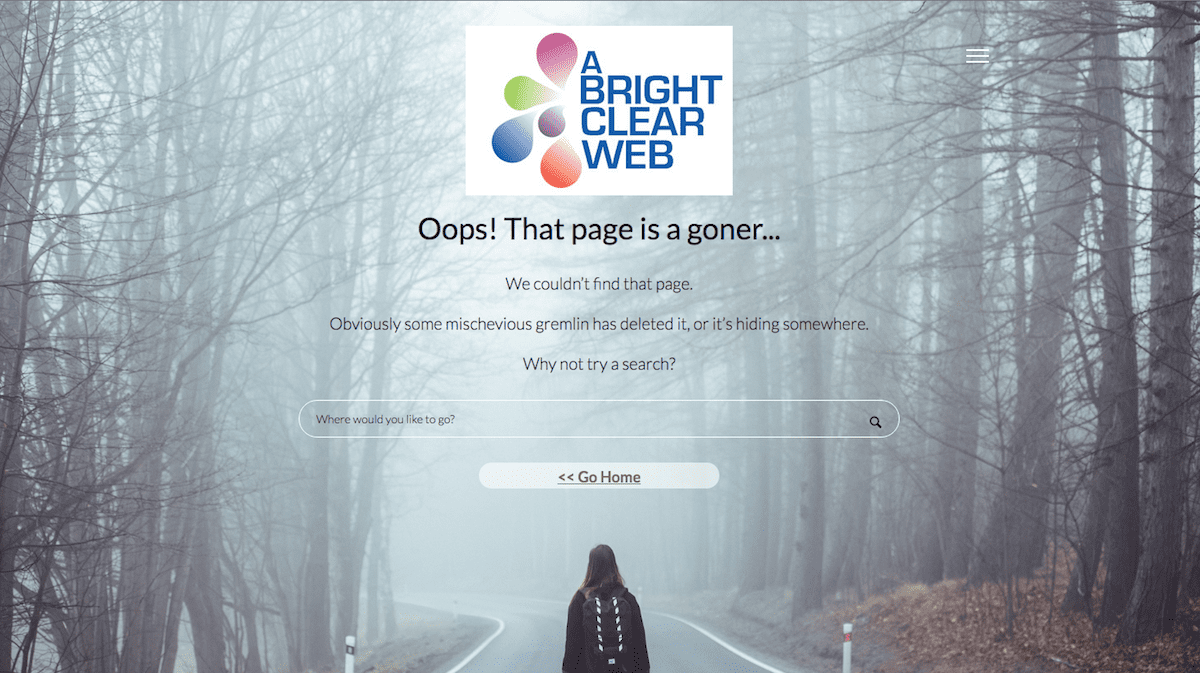
A Smarter Custom 404 Page With Redirects – Forty Four Pro

Posted: June 17, 2016 Updated: January 4, 2018 by Claire Brotherton
9 Comments

I start with a bit of background on 404 pages. To skip to the plugin review, click here. There’s a giveaway at the end, so keep reading! What exactly is a 404 page? All websites have an error page that is shown when a page is requested on a site that doesn’t exist. This is […]

Category: WordPress

Just What The Heck Is A Featured Image, Anyway?

Posted: May 20, 2016 Updated: September 7, 2020 by Claire Brotherton
7 Comments

I’ve had some clients confused over Featured Images in WordPress. So I thought I’d write a post to explain. Some of the questions I’ll cover are: What is a featured image? What’s the difference between a featured image and images in posts or pages? How do I set featured images? How are featured images displayed in themes? […]

Category: WordPress Tags: featured image, post thumbnail, themes

3 WordPress Blog Layout Plugins – Get A Better Look Easily

Posted: May 6, 2016 Updated: January 4, 2018 by Claire Brotherton
15 Comments

If you’re a WordPress blogger, you might have a theme you use for your blog but not be terribly excited about the blog page design. Or perhaps you want to customize the look of your blog more without getting into code. You might want to: Show your posts in a grid, carousel or timeline Only […]

Category: WordPress Tags: blog, custom post type, plugins

A First Time Speaker’s Experience At WordCamp London 2016

Posted: April 22, 2016 Updated: January 4, 2018 by Claire Brotherton
13 Comments

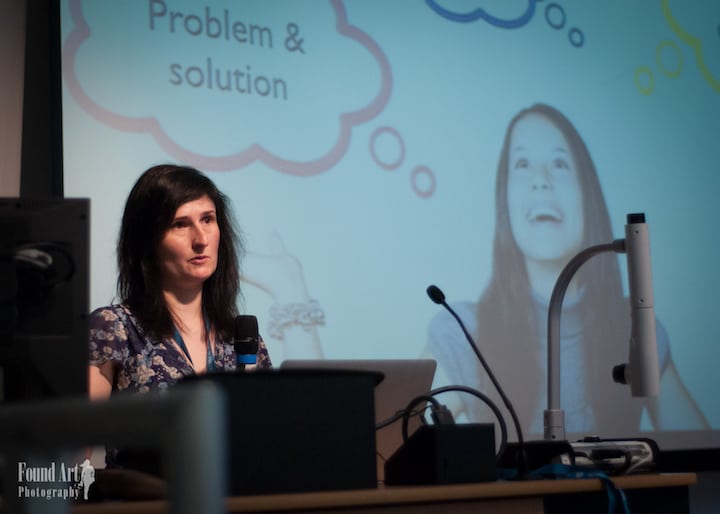
The road to public speaking I gave my first conference presentation on Saturday 9 April at WordCamp London 2016. The topic, covered in my last post, was The How and Why of Small Business Blogging. It was quite a journey to the presentation day, I can tell you! The invite came from Diane Wallace, who […]

Category: Blogging & Content Marketing, WordPress Tags: keynote, public speaking, wordcamp

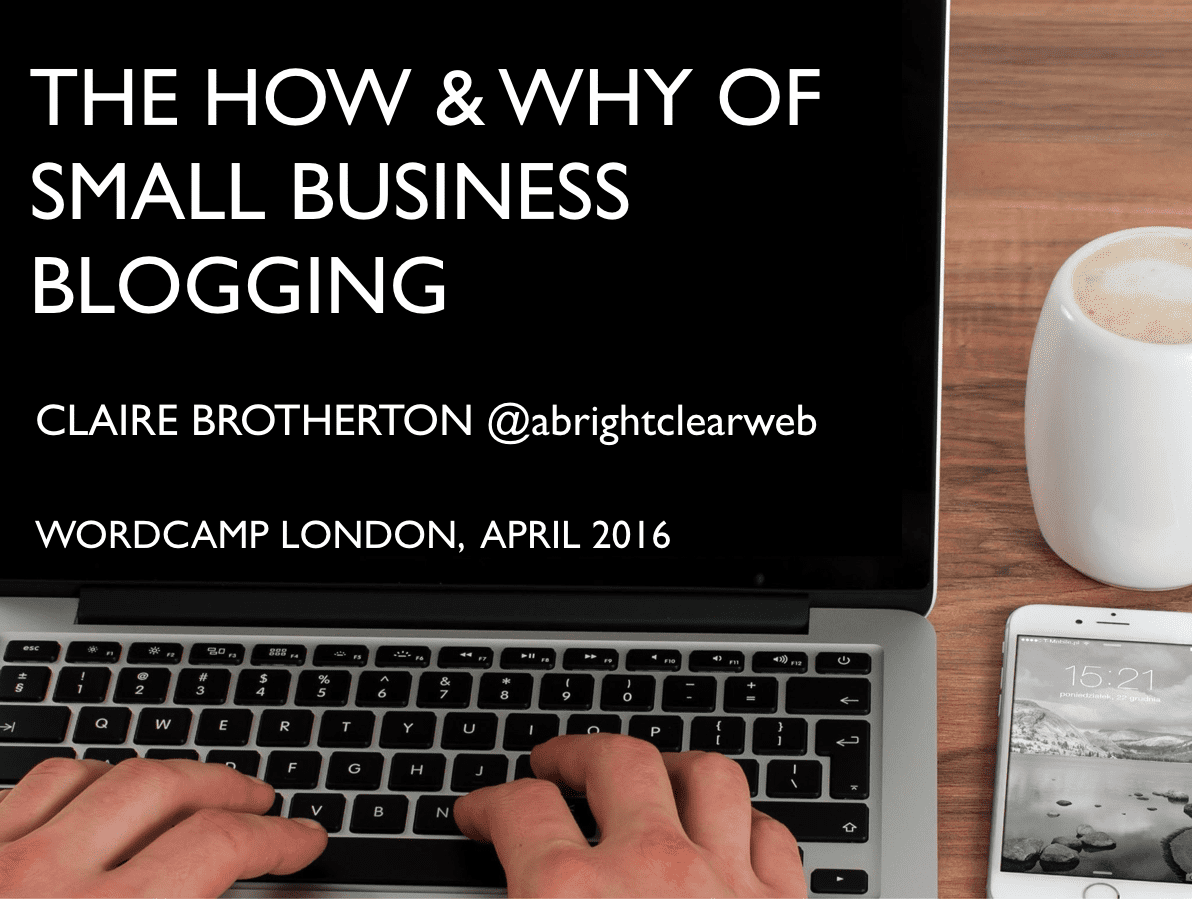
The How and Why Of Small Business Blogging

Posted: April 15, 2016 Updated: June 12, 2019 by Claire Brotherton
5 Comments

I gave this talk at WordCamp London 2016 on 9 April 2016. I have written another post about the experience of preparing and delivering the talk. This post focuses on the content. .@abrightclearweb gave an excellent talk about how to become a great blogger, with many useful tips #WCLDN pic.twitter.com/4nANvXwGd2 — Rian (@RianRietveld) April 9, […]

Category: Blogging & Content Marketing, WordPress Tags: plugins, tools

Get More Eyeballs On Your Content With Revive Old Post

Posted: April 8, 2016 Updated: January 4, 2018 by Claire Brotherton
5 Comments

If you’ve blogged for a while, you will have a great bank of content waiting to be discovered and read by new readers. Especially evergreen content – content that doesn’t go out of date. Using social media automation is a good way to manage this. I’ve used Buffer and Coschedule’s social sharing tools to good […]

Category: Blogging & Content Marketing, WordPress Tags: plugin, revive old post, Twitter

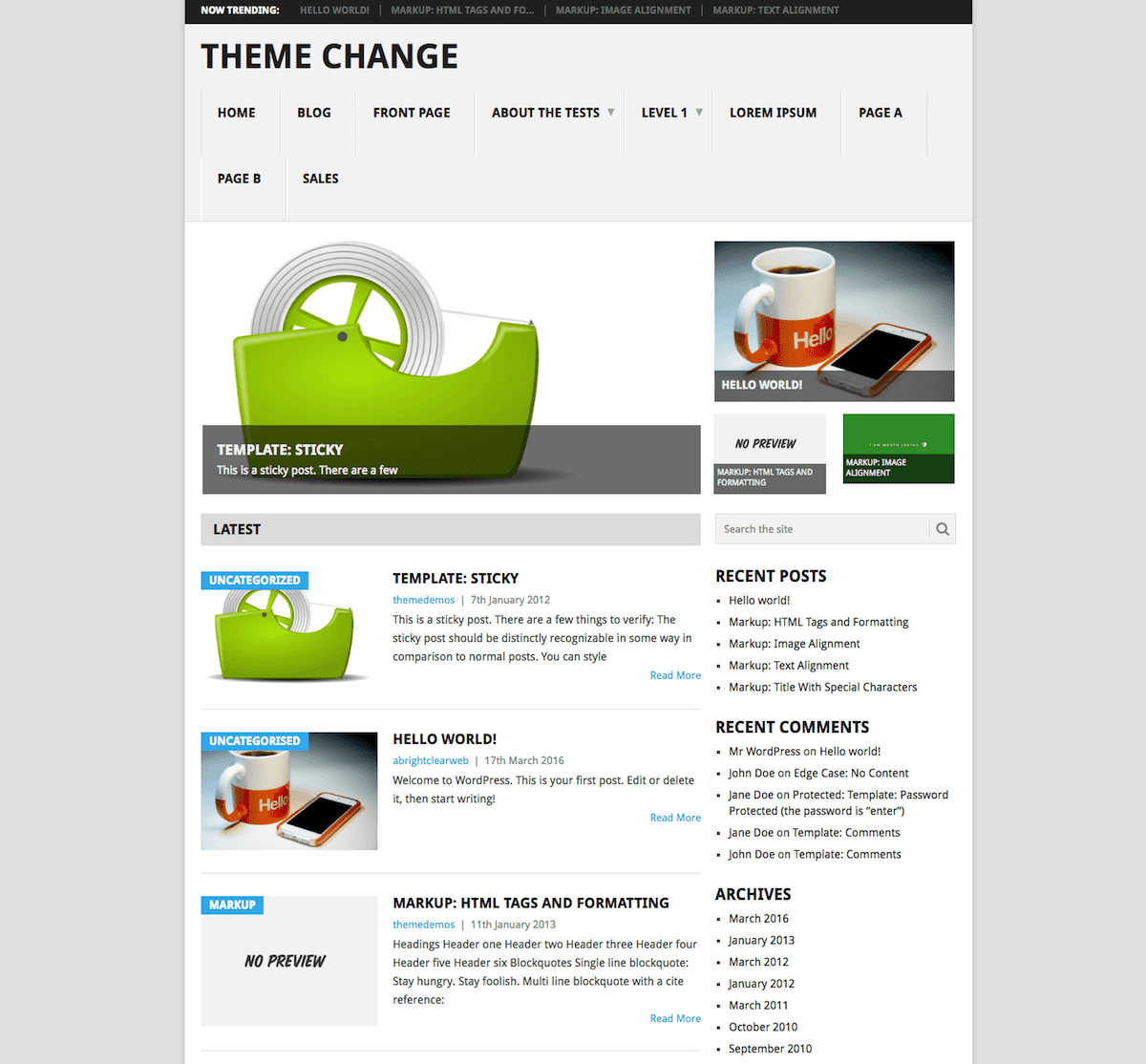
How To Change Your WordPress Theme Without Tears

Posted: March 18, 2016 Updated: May 14, 2018 by Claire Brotherton
4 Comments

Updated 14 May 2018. WordPress is designed to be flexible and customizable as a platform. Being able to switch your website’s theme and change the look of your website is one of the big attractions. So when you decide on a new theme, in theory, it’s simple: go to Appearance > Themes in the Dashboard, […]

Category: WordPress Tags: plugin, staging site, theme

A Twenty Sixteen Child Theme With Extra WP Customizer Goodness

Posted: March 4, 2016 Updated: January 4, 2018 by Claire Brotherton
12 Comments

I’ve had a go at building a child theme for Twenty Sixteen. I decided to use the build as an opportunity to try out the WP Customizer, which I’d been wanting to do for a while, since seeing Dave T Green’s talk on the Customizer at WordCamp Edinburgh 2015. Full disclaimer: I got most of […]

Category: WordPress Tags: child theme, customizer, twenty sixteen

  • « Go to Previous Page
  • Page 1
  • Interim pages omitted …
  • Page 6
  • Page 7
  • Page 8
  • Page 9
  • Page 10
  • Interim pages omitted …
  • Page 12
  • Go to Next Page »

Subscribe to Blog via Email

Enter your email address to subscribe to this blog and receive notifications of new posts by email. Read my privacy policy.

potted cactus and laptop with code

Footer

Categories

  • Accessibility
  • Blogging & Content Marketing
  • Business
  • Personal
  • Software & Tech
  • Websites
  • WordPress

Top Posts

  • How To Create WordPress Excerpts And Include Links In Them
  • How To Solve WordPress Image Alignment And Text-Wrap Problems
  • Improve Your Divi Website's Reach With Divi Accessibility
  • How To Set Up And Customize Twenty Nineteen Theme
  • Registering a Domain Name with GoDaddy - Step by Step

Let’s Be Social

  • E-mail
  • Facebook
  • LinkedIn
  • Twitter
Copyright © 2014 -2026 A Bright Clear Web
  • Privacy and cookies policy
  • Site map